From the ground up newly developed
We have completely redeveloped the DEON Client, based on the most modern technology. It is significantly faster, more clearly structured, and at home everywhere: in the browser, as a desktop app for Windows and Mac, and on smartphones.
Your step from the whiteboard to the AI workplace.
Windows · Mac with M-chip · Browser · Smartphone
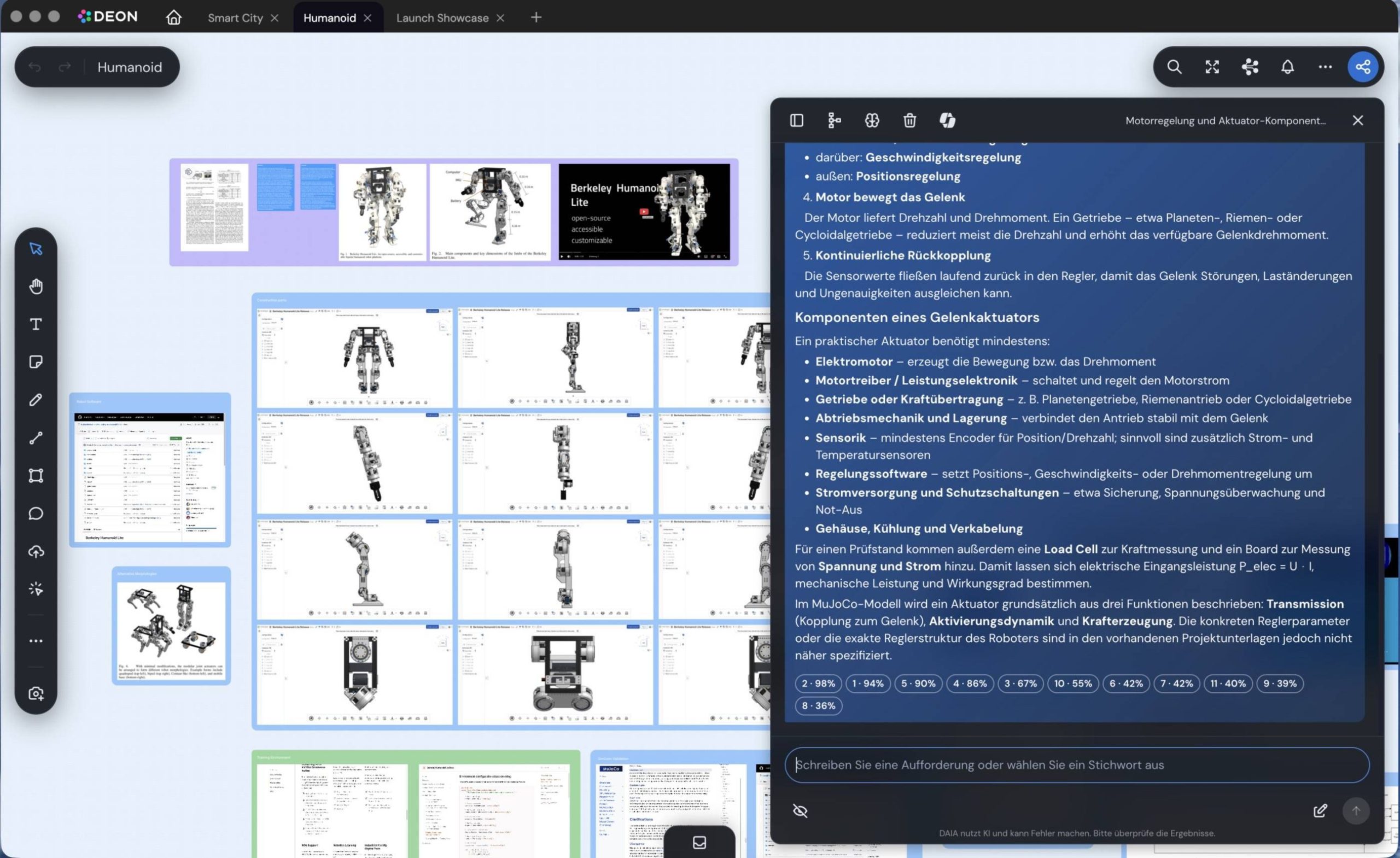
On the left, CAD models and videos run live on the board; on the right, DAIA answers questions about the project and cites the sources.
New in the DEON Client
Features that didn't exist before or that have become significantly better.
A stronger DAIA, optionally with Microsoft 365 Copilot
DAIA now understands your board better and works directly on it. DAIA answers questions about the project with sources, and on request, knowledge from Microsoft 365 is also included.
- Works directly on the board. DAIA creates notes, shapes, and arrows, arranges, colors, and stacks them.
- Understands the structure. Stacks, connections, and groups are incorporated into the responses, as is the visible section or your selection.
- Web search with sources. Answers from the web cite their sources. Links are clickable and can be dragged onto the board.
- Conversations are retained. Conversations can be renamed and continued, optionally as a diagram (DEON Graph Chat) directly on the canvas.
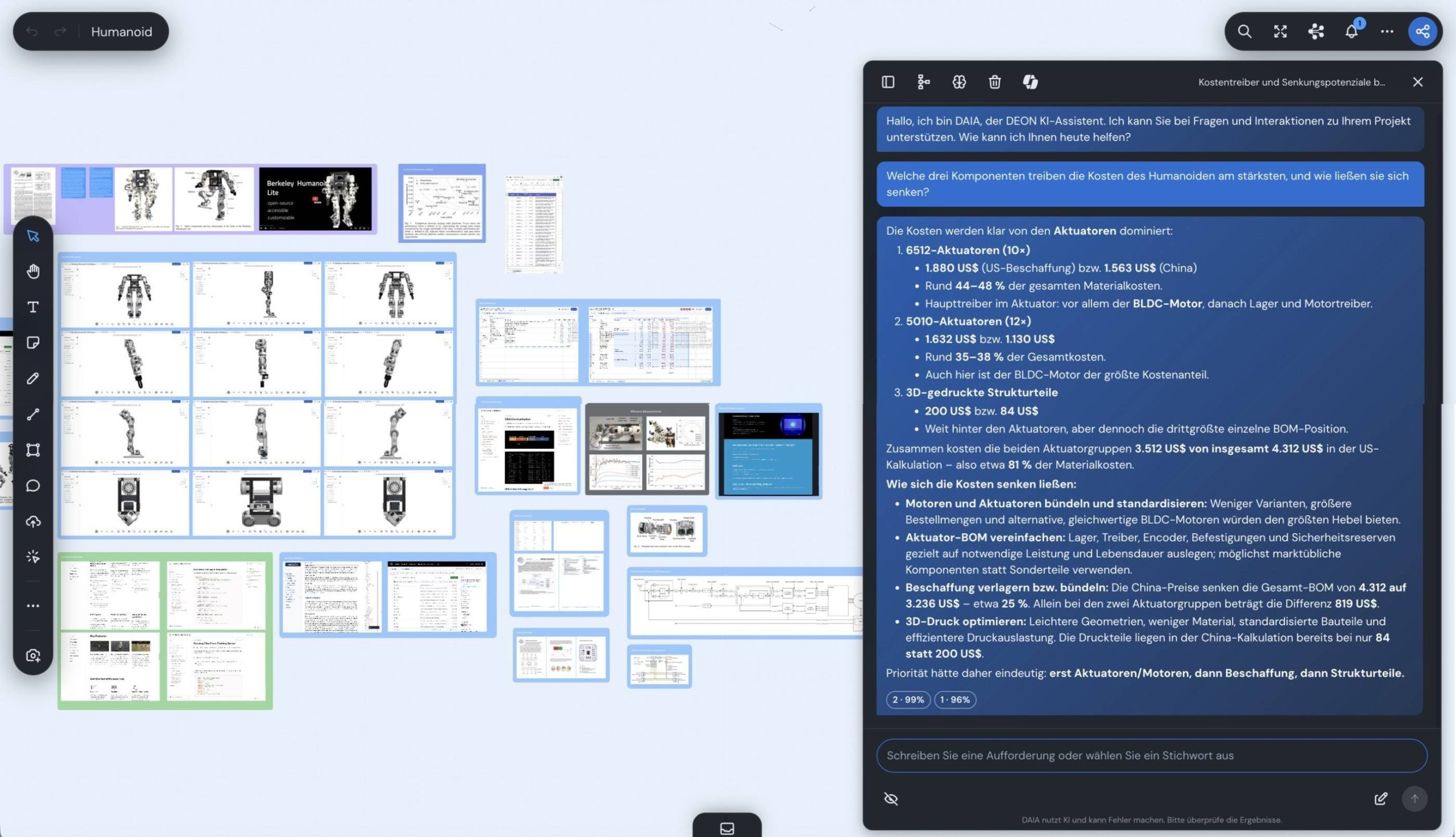
DAIA with the intelligence of Microsoft 365 Copilot
Through Microsoft Work IQ, the intelligence behind Microsoft 365 Copilot, DAIA finds relevant emails, chats, appointments, and files from Outlook, Teams, and SharePoint. You can drag and drop matches onto the board, right next to your notes and documents.
- Enable once. Your organization decides whether DAIA accesses Microsoft 365.
- The same context as with Copilot. Work IQ provides DAIA with the knowledge from your Microsoft 365, which Microsoft 365 Copilot also uses.
Your organization decides whether DAIA is active for you. Your data is not used to train models, and the AI only works after your consent.
Transfer content from other whiteboards
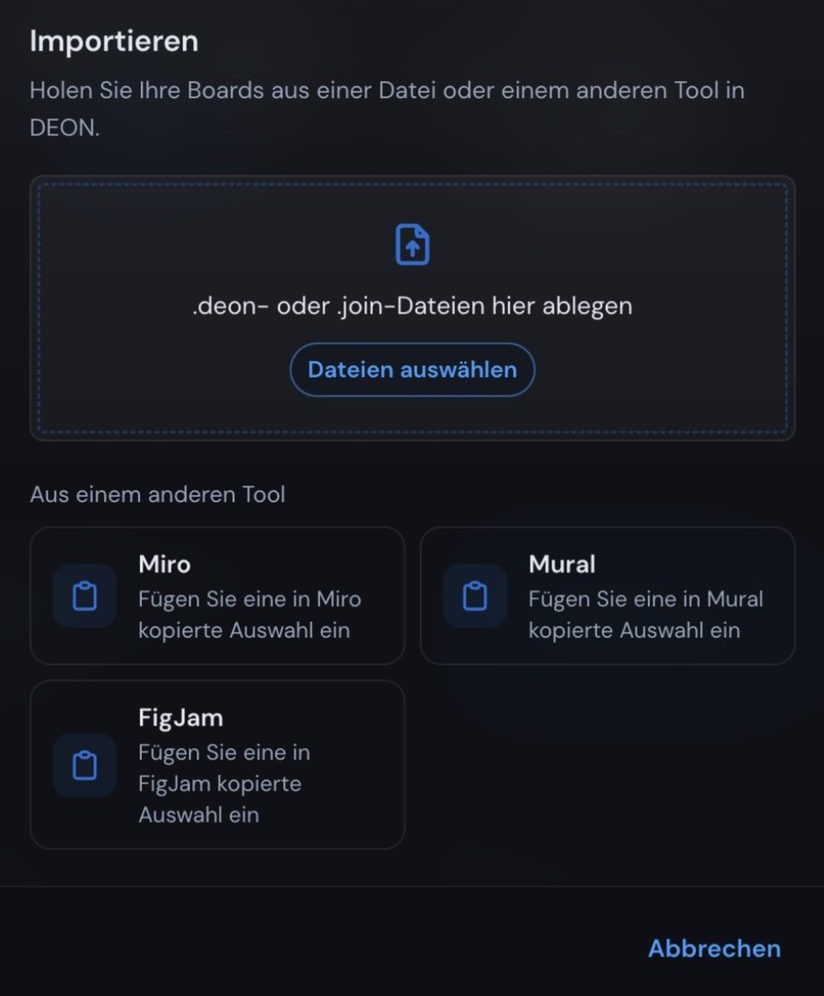
You can transfer content from Miro, Mural, and FigJam using copy and paste. Notes, shapes, and connectors come along.
- Select and copy
Highlight what you want to bring over in your previous tool. - Paste into DEON
The content appears on your board and can be edited immediately. - Or via "Import"
You can find a dedicated import dialog for this in the dashboard.
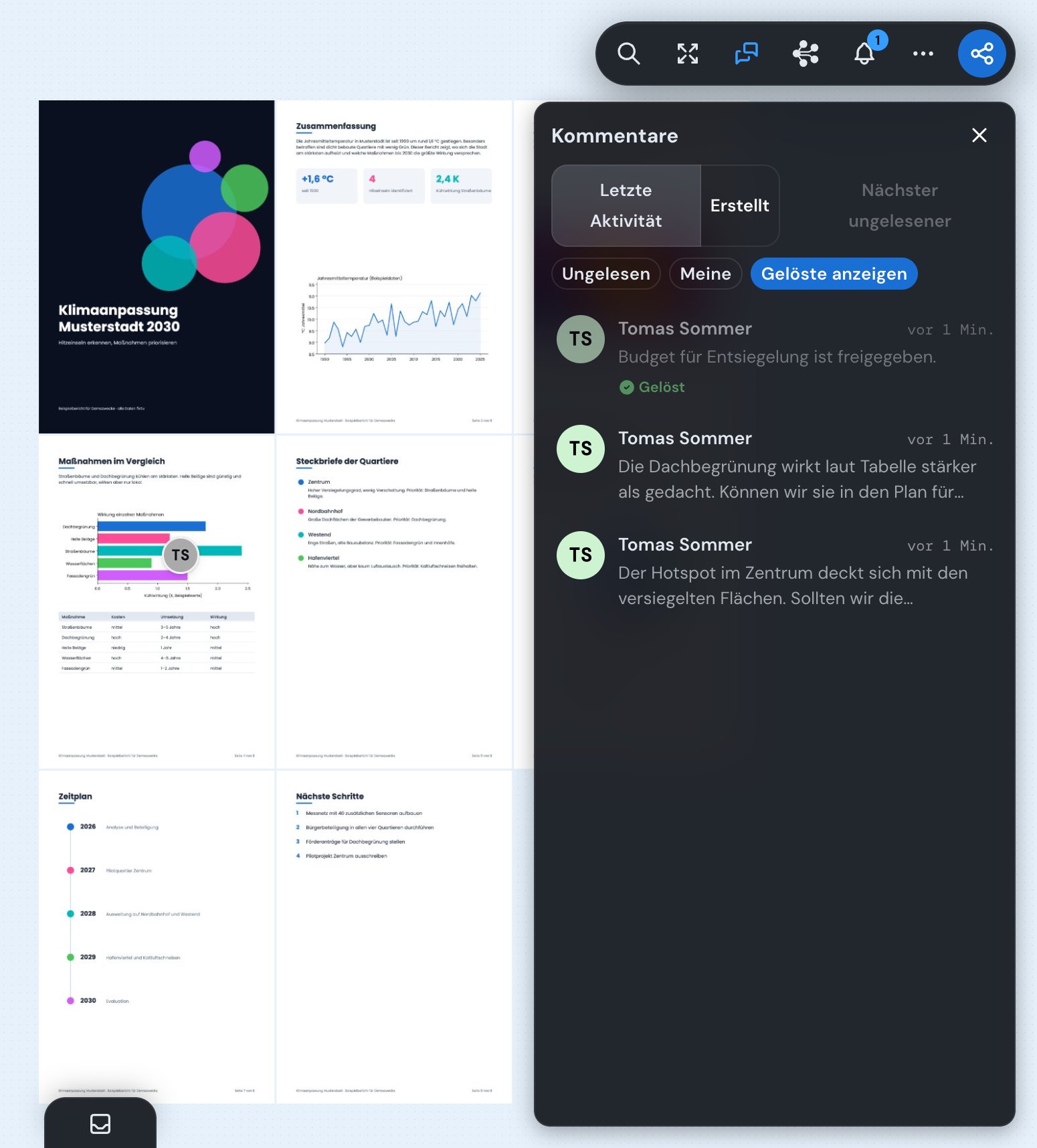
No discussion gets lost anymore
Comments are attached directly to the relevant spot. What's new is the overview: all discussions of a project are shown in a list, and all notifications can be found in one place.
- All comments in one list. Sort, filter, and see unread items at a glance. Press Shift+N to jump to the next unread comment.
- Check off completed items. Discussions can be marked as resolved and reopened if needed.
- All notifications in one place. Mentions, newly shared projects, and access requests in one overview. Anyone mentioned lands in the right place with a single click.
- Request access. No access to a project? Request it with a single click. Approval takes place directly in the notifications.
The smartphone becomes a remote control
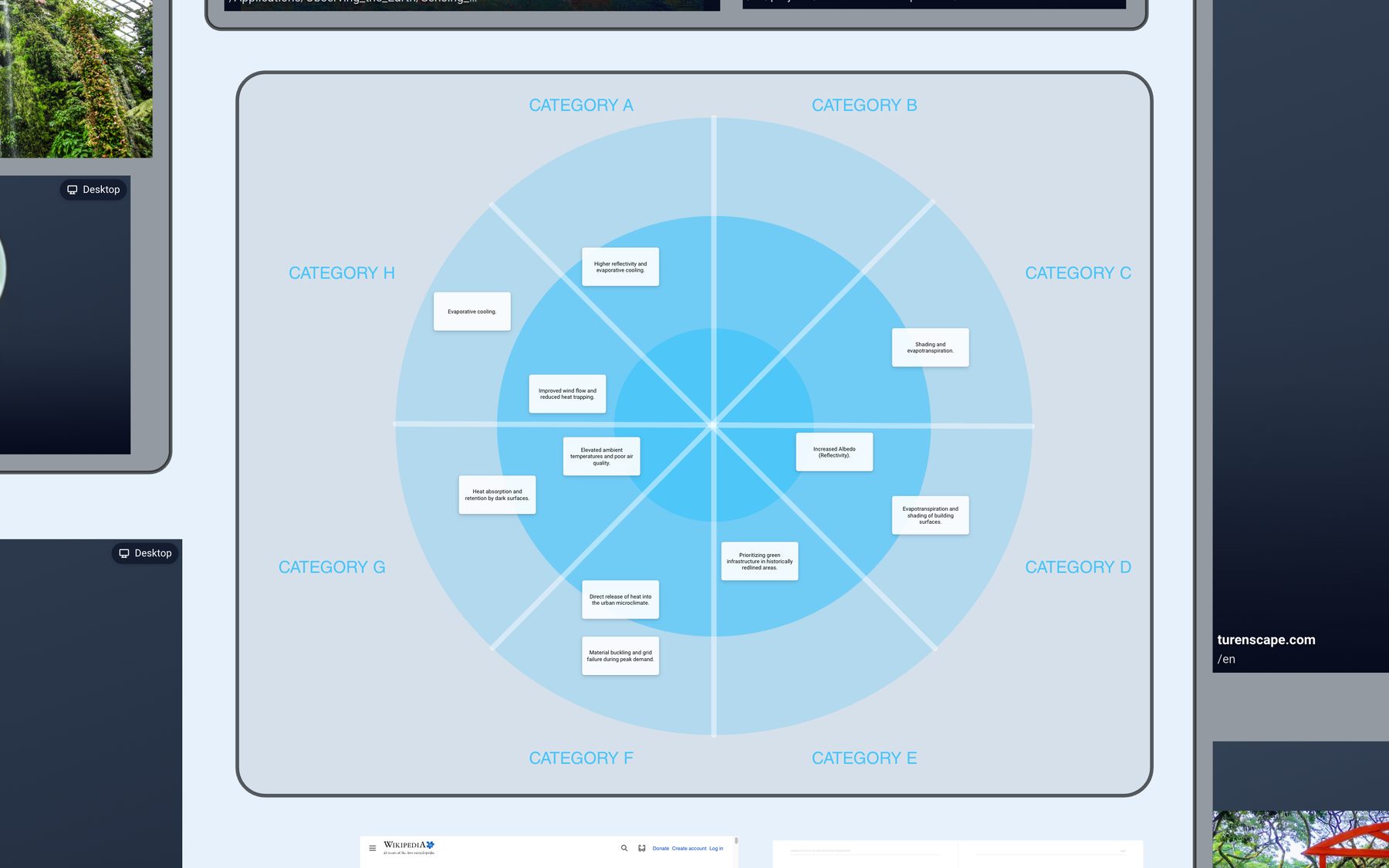
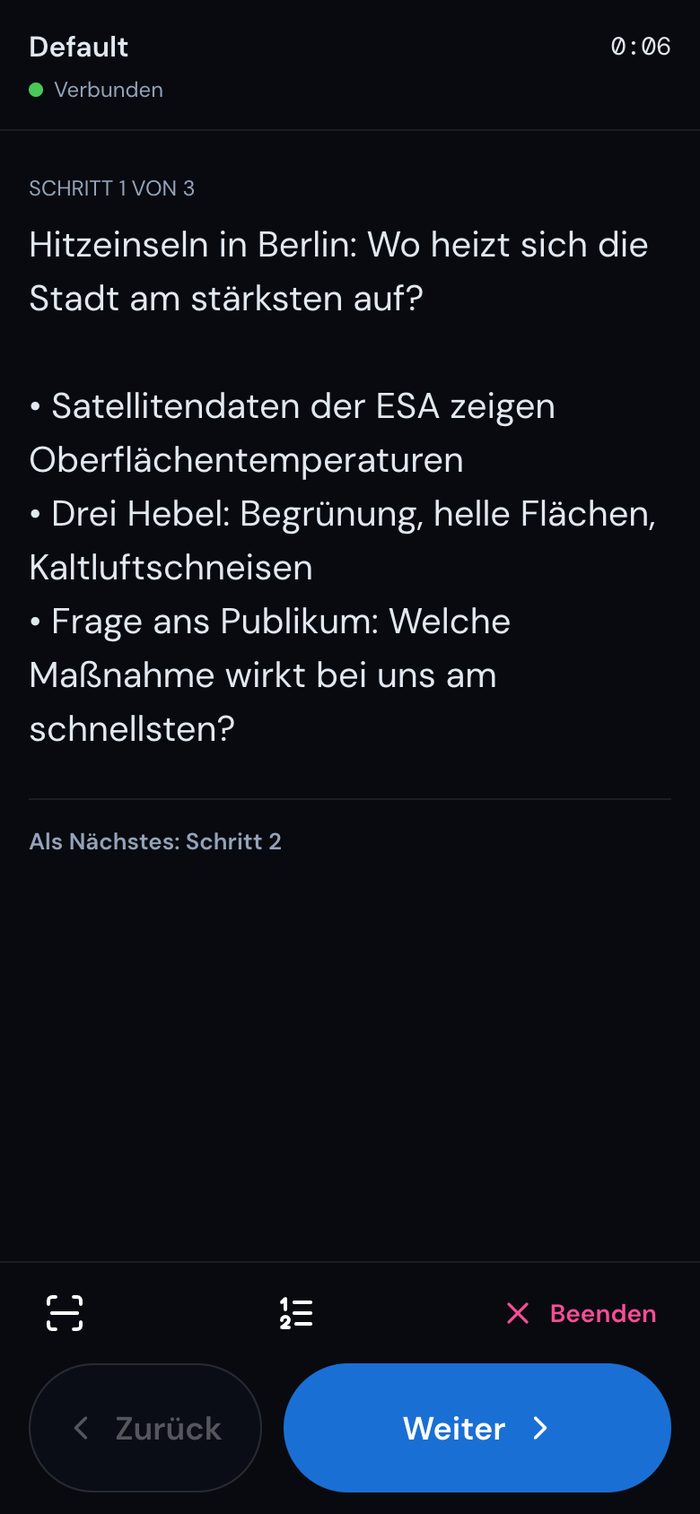
Scan the QR code, done. Without an additional app, you can control your presentation (presentation path) freely in the room and see your notes and the next step on your phone.
- Notes and flow at a glance. On your phone, you can see the notes for the current step, a preview of the next one, all steps, and the runtime.
- Presentation paths now also in the web app. With transitions, notes, duration, and automatic advancement, directly in the browser and without installation.
More new features
Better search
Finds notes, texts, file names, and comments, even with typos.
DEON on the smartphone
View, edit, and comment on projects with a dedicated interface for mobile devices.
Light or dark
One click switches the design.
Links on any element
Notes, shapes, documents, and videos can be linked, not just images.
Projects in tabs
In the desktop app, you can open multiple projects as tabs and drag them into a separate window as needed.
Quick start
Even the empty dashboard offers you a new project, the import of a .deon file, or insertion from Miro, Mural, and FigJam.
Proven strengths, now even better
What has always defined DEON is also part of the new client and benefits from the new technology: faster, more powerful, and easier to use.
Your web applications, live on the board
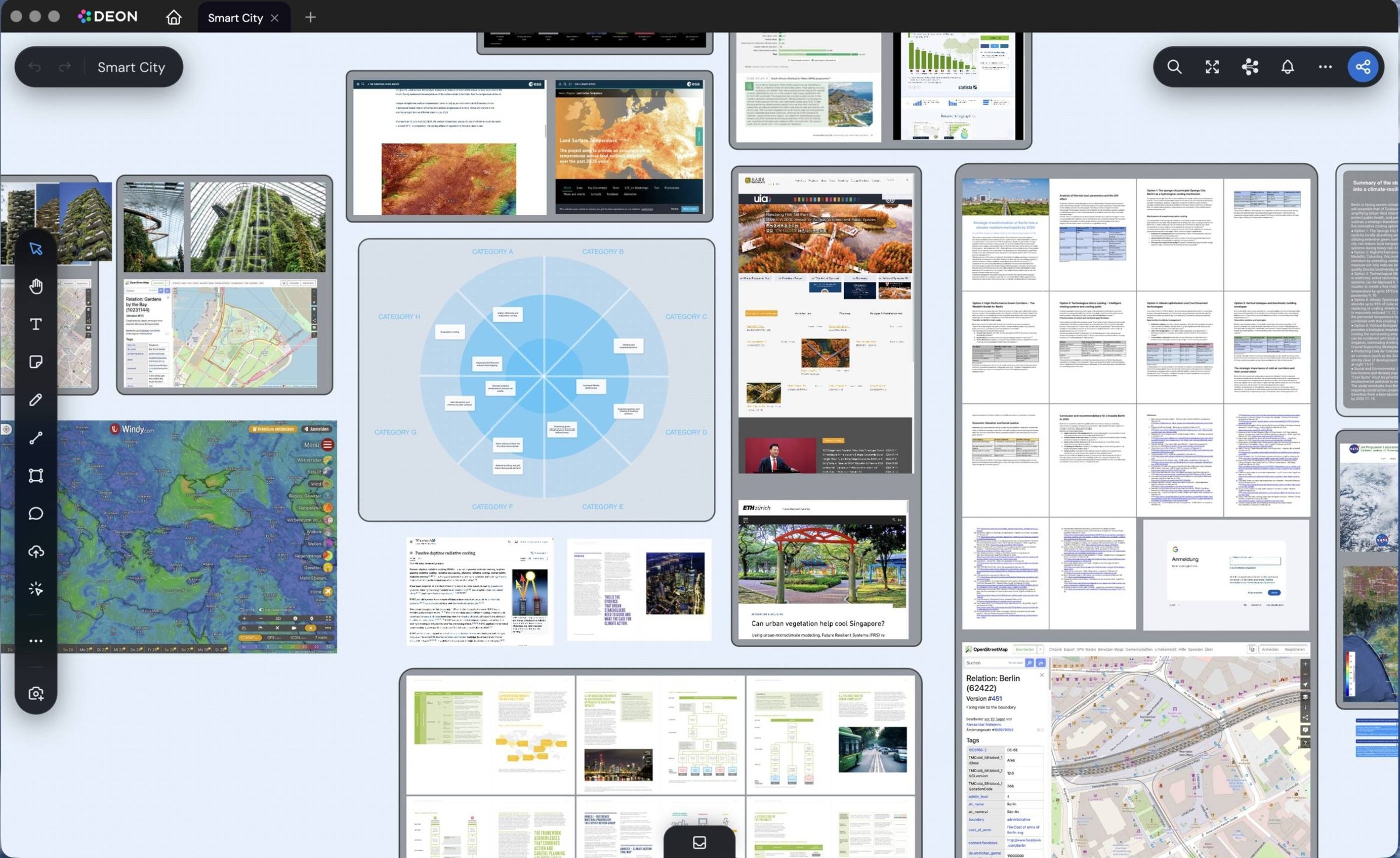
The metabrowser brings websites and web applications directly into your workspace and now responds noticeably more directly to every click and every input. A live map, a dashboard, or a web-based CAD model remains fully operable, right next to your notes and documents.
- Everything side by side. Instead of switching between windows, you see all systems of a project at a glance.
- Every website in the desktop app. Every page runs in its own full-fledged browser, including pages that otherwise cannot be embedded.
- Also in the browser. Many pages such as videos, maps, or design tools run directly in the board.
Multi-page documents directly on the board
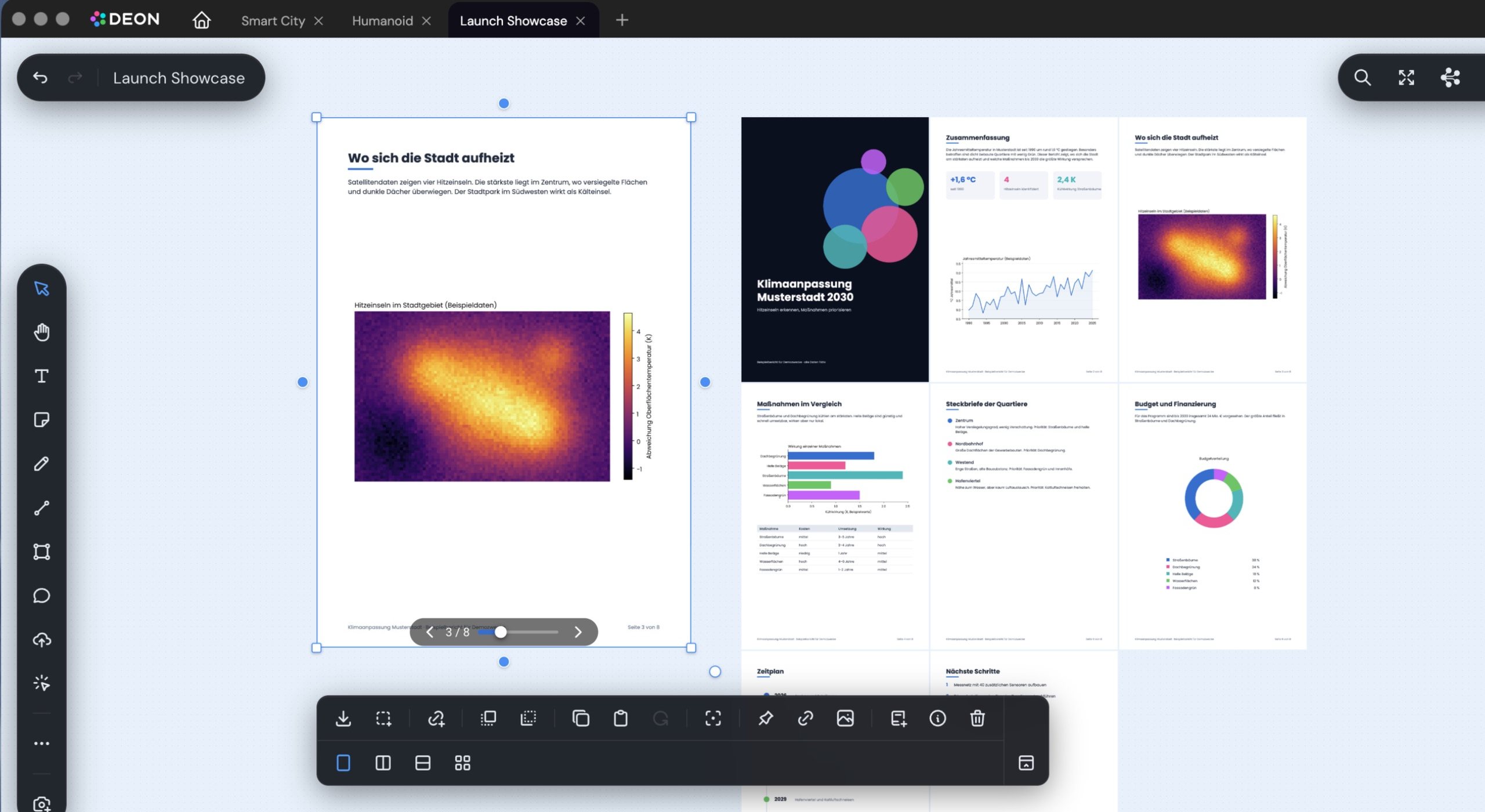
A report on the board is more than a preview image. You can page through it, view all pages at once, or pull it directly from SharePoint. This applies to over 40 formats, from PDF to PowerPoint. And now with further improved loading behavior.
- Flip through or view as a grid. Read multi-page documents page by page or view them as an overview of all pages.
- Link instead of upload. Files remain in SharePoint and still appear on the board. There is no second copy that becomes outdated.
- Edit in Office. In the desktop app, you open a file in Word, Excel, or PowerPoint. When you save, it is back on the board.
Connect DEON with your systems and AI agents
Via the REST API and our MCP server, your applications and AI agents work directly with your boards.
REST API and webhooks
- Content via API. You can create and manage notes, texts, shapes, connectors, images, and documents directly from your applications.
- New: Webhooks. Up to ten signed webhooks per project notify your system as soon as elements or members change.
- Query project knowledge semantically. The API finds content by its meaning, not just by keywords, and delivers the relevant passages with source references.
MCP server for AI agents
- AI agents work on the board. Assistants that support the Model Context Protocol find, create, connect, and organize content and query project knowledge.
- Today via token, soon via OAuth. Currently you connect agents with your API token. Soon you will also sign in via OAuth, entirely without a token.
- Your rights apply everywhere. You create API tokens in your account. Every access via API or MCP only sees what you yourself are allowed to open.
* Measured on 16.10.2026 in the browser for projects with up to 140 elements.
Start using the new DEON Client now
Your projects are already there. Download the desktop app or open DEON in your browser. If you would like to use DAIA, introduce it to your team, or migrate larger inventories, we are happy to help.