
 DEON Holistic Intelligence (DHI) & DAIA
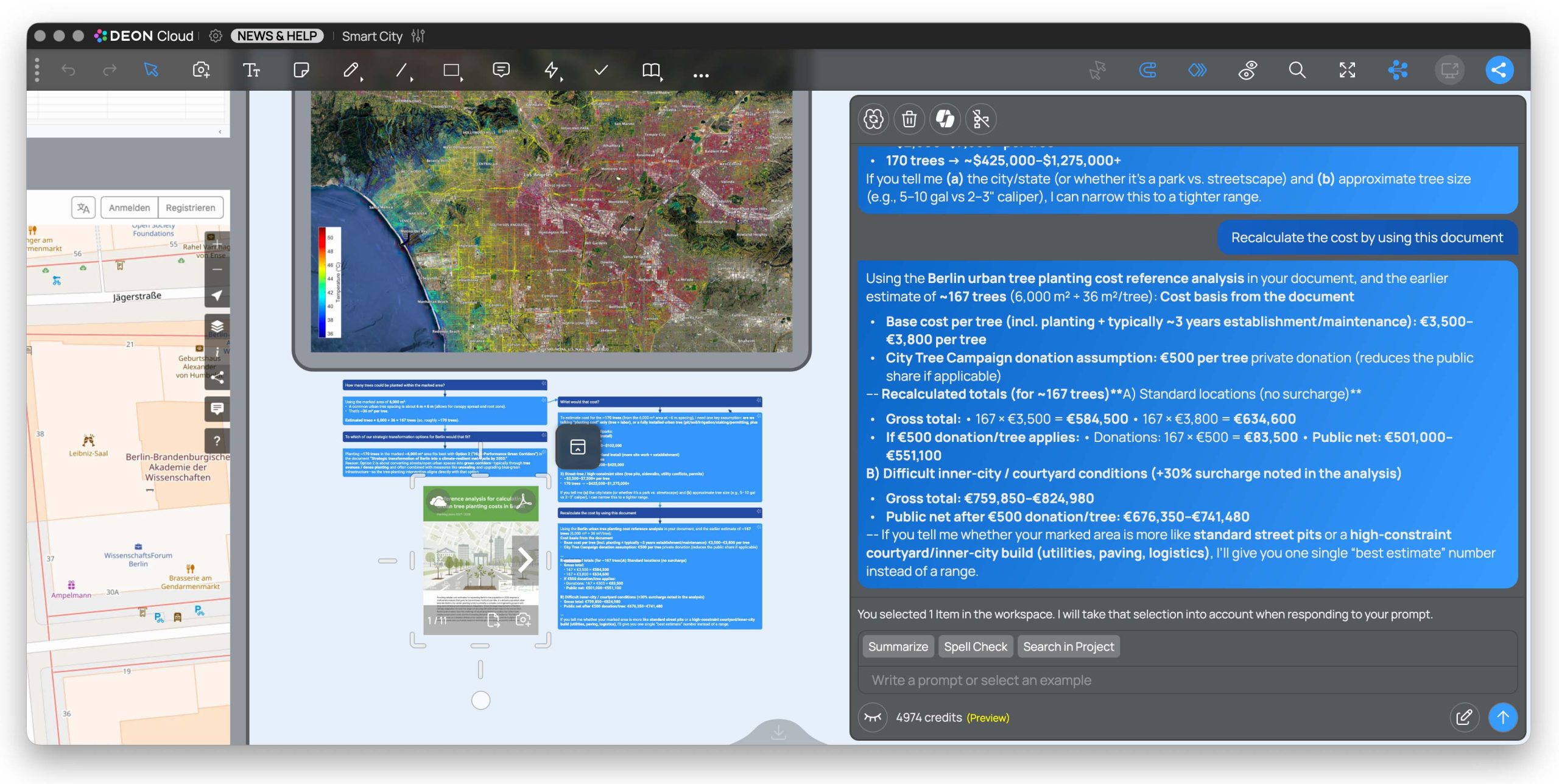
With DEON Holistic Intelligence (DHI) transforms your workspace into an intelligent, universal AI workplace. Our new assistant DAIA (DEON AI Assistant) now understands the entire visual and semantic context of your projects.
- Semantic project queries: Ask questions about your entire board. DAIA provides precise answers including interactive reference links directly to the original source.
- Graph Chat & Branching: Free AI chats from the linear scroll window. Conduct discussions as clear, branched paths directly on the board. Also collaboratively in the team. Use branching to create thematic branches that do not disturb your main topic. Process results directly in the workspace further.
- MS Copilot M365 Grounding: MS Copilot users can activate Copilot in the DAIA panel. If the function is active, DAIA uses Microsoft Graph as an additional AI endpoint. The AI also answers questions based on personal and organizational company data, such as emails from Outlook, Teams chats as well as SharePoint and OneDrive files.
- New REST API for agent workflows and automation: Integrate DEON seamlessly into your existing workflows! Every user activity can now be controlled via external agent systems (such as n8n, Zapier or MS Power Automate). You can also query the analyzed knowledge from your DEON projects in a targeted way via dedicated retrieval API endpoints. To the REST API documentation
With DEON Holistic Intelligence you always stay in the „Driver Seat“: The AI acts as a transparent assistant that accelerates your processes and makes complex relationships instantly visible and tangible.
Improved Video Engine
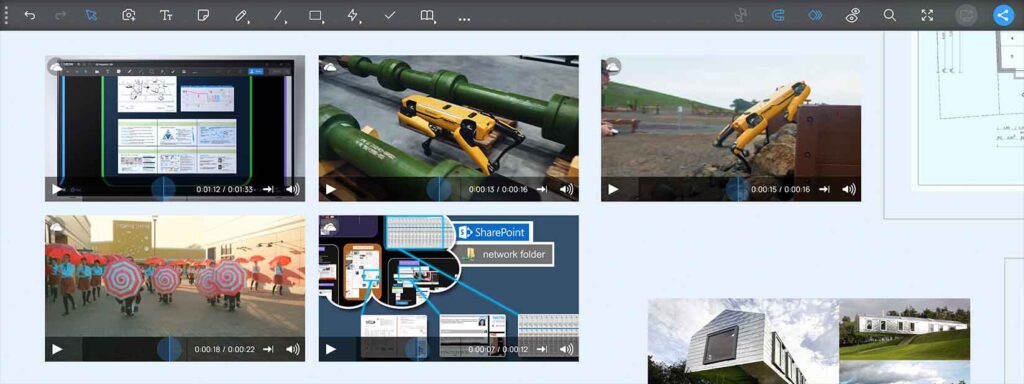 The DEON Video Engine now has further improved performance and stability for multiple embedded video files in a workspace. It is still easy to use: simply drag & drop video files from your Windows File Explorer, OneDrive, or a network share, or insert file links from MS Teams, SharePoint, or OneDrive to link the files to their original source instead of uploading them.
Color picker for custom colors
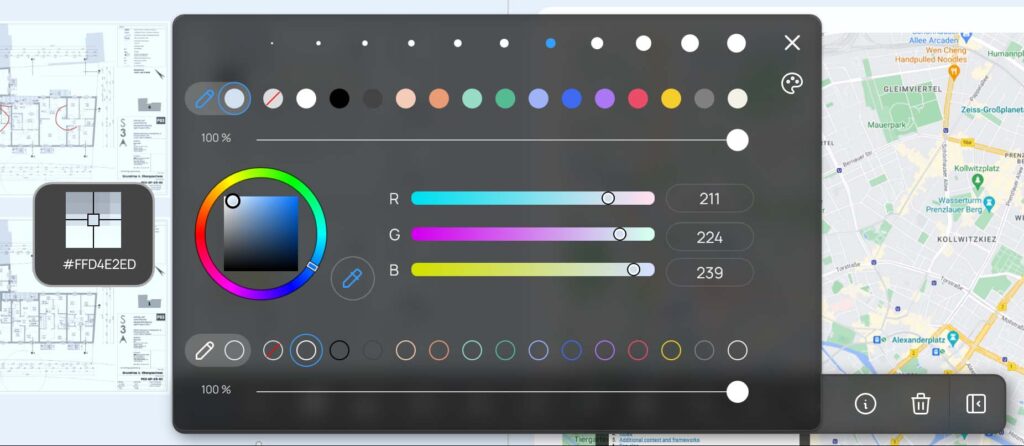 The color palette has been further improved. You can now also access the color picker for a custom color. This allows you to quickly color your text, symbol, or shape with a suitable color.
Vector format (SVG) now available in the Freepik library
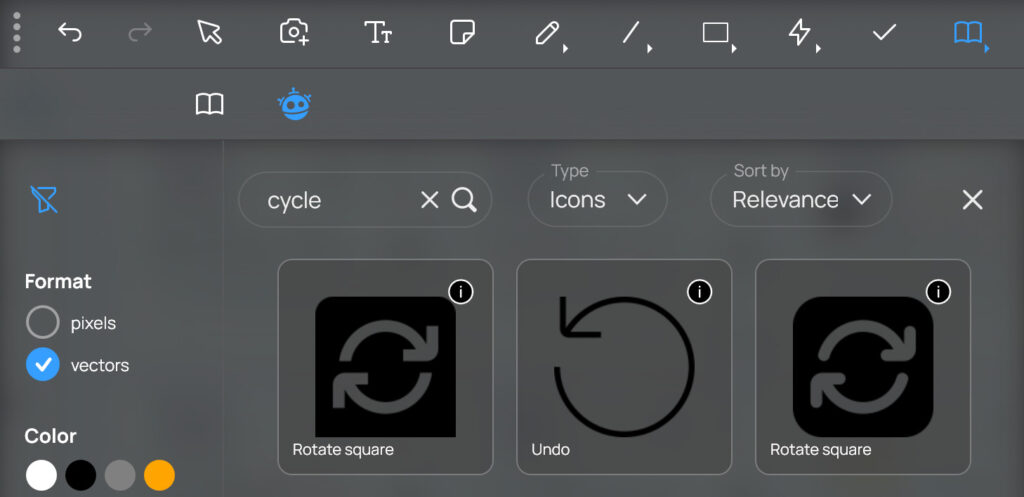 The vector format allows you to change the color of the icons and also scale them without losing sharpness.
High-resolution images now available in the Freepik library
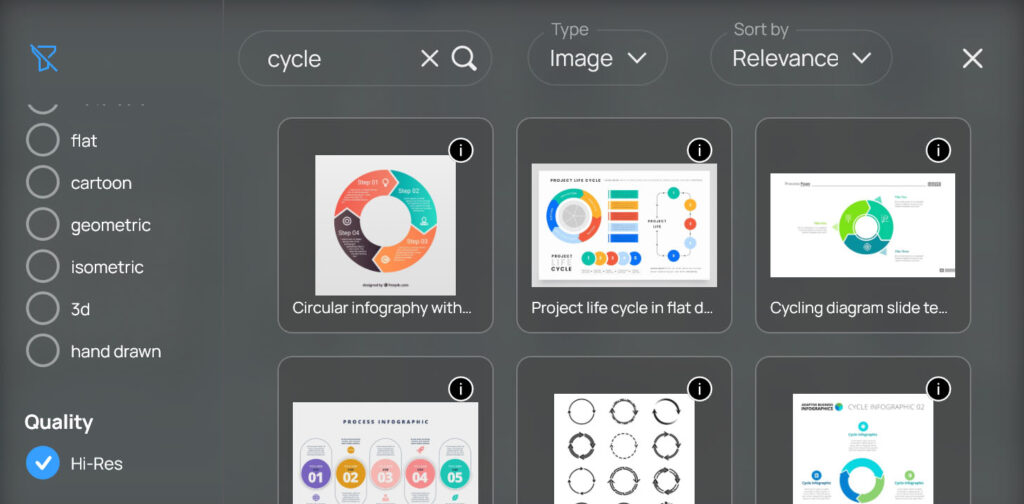 Get high-resolution images from the Freepik library for even better image quality!
New timer widget with pause button
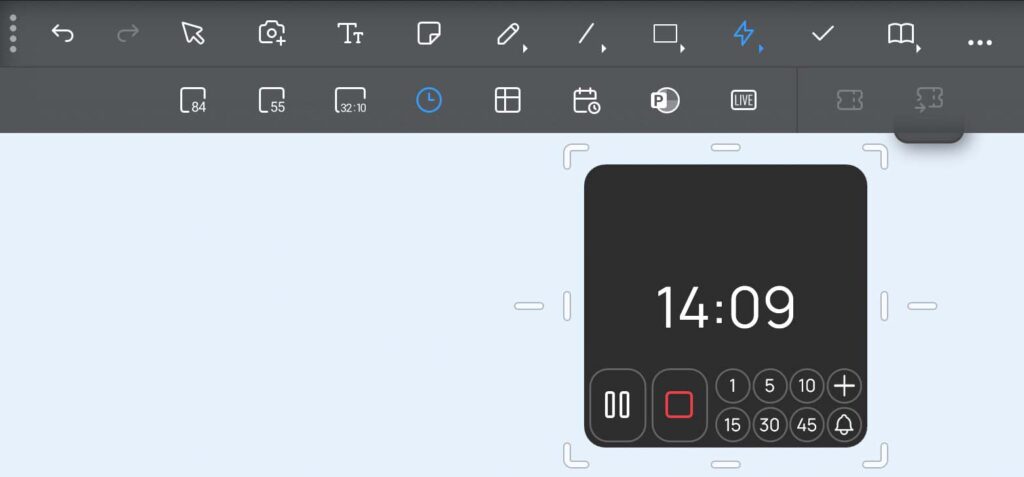 The new timer widget now comes in an updated style with a pause button.
Rounded rectangles now have arched corners The arch‑based corners of the rounded rectangle shape from the shapes menu now provide a clean geometric style. Scaling and resizing have been improved to give you precise and convenient control.
New scribble option: constant stroke width
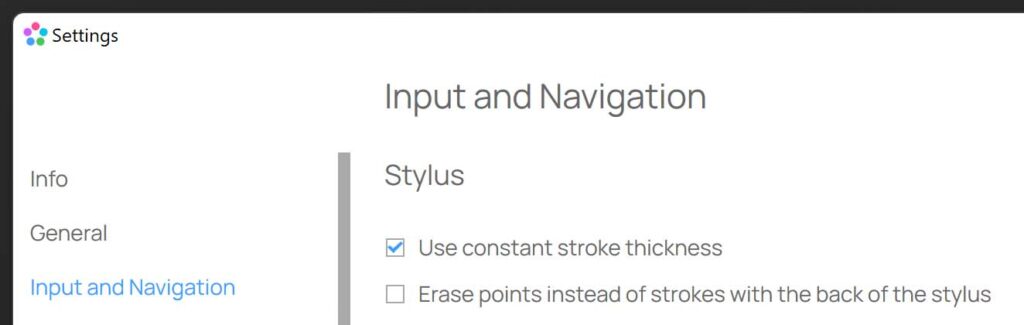 If you doodle with a pen in DEON, the stroke width is automatically adjusted to your zoom level. This ensures that the stroke appears with the same thickness relative to your physical screen while doodling. If you want to change this, you can now enable the "Constant Stroke Width" option in the settings under "Input and Navigation". With this option, the stroke width remains constant relative to the content of your workspace. This means that multiple strokes have the same thickness, regardless of whether you created them at a different zoom level of the workspace.
The Jira integration now accepts the Personal Access Token If you want to synchronize your Jira projects with DEON cards, you can now use a Jira Personal Access Token (PAT) for authentication.
Integrated Freepik Library
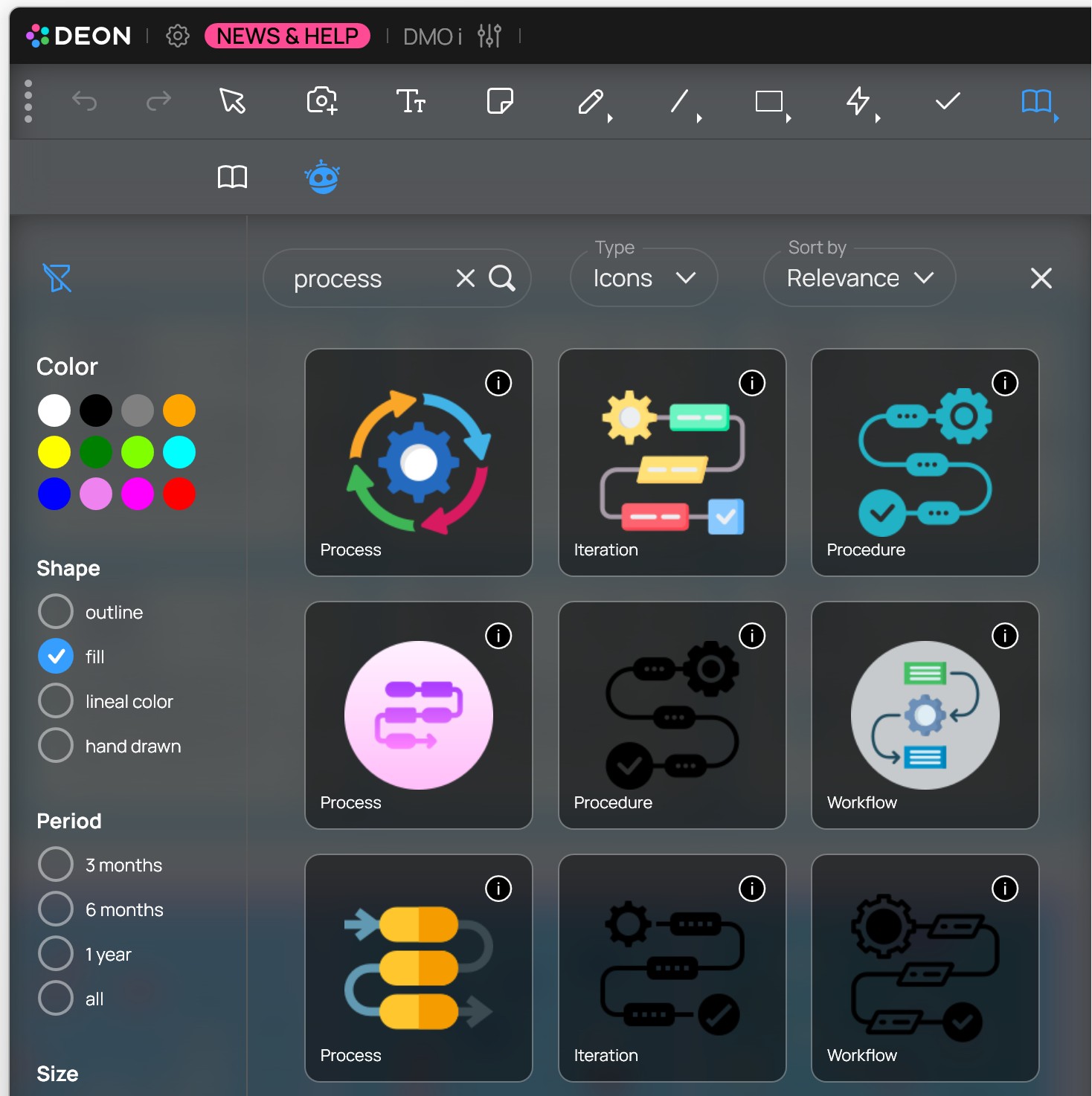 DEON has partnered with Freepik to provide you with direct integration of the extensive library! Access thousands of icons and images in DEON, equipped with powerful search and filtering tools to optimize your creative process. You can find the Freepik library right next to the DEON library.
 DEON Lite for Smartphones!
Display a QR code in your DEON project and scan it with your smartphone camera. Add in the DEON Lite Add texts, images or photos in the app and send them directly to the DEON Project Inbox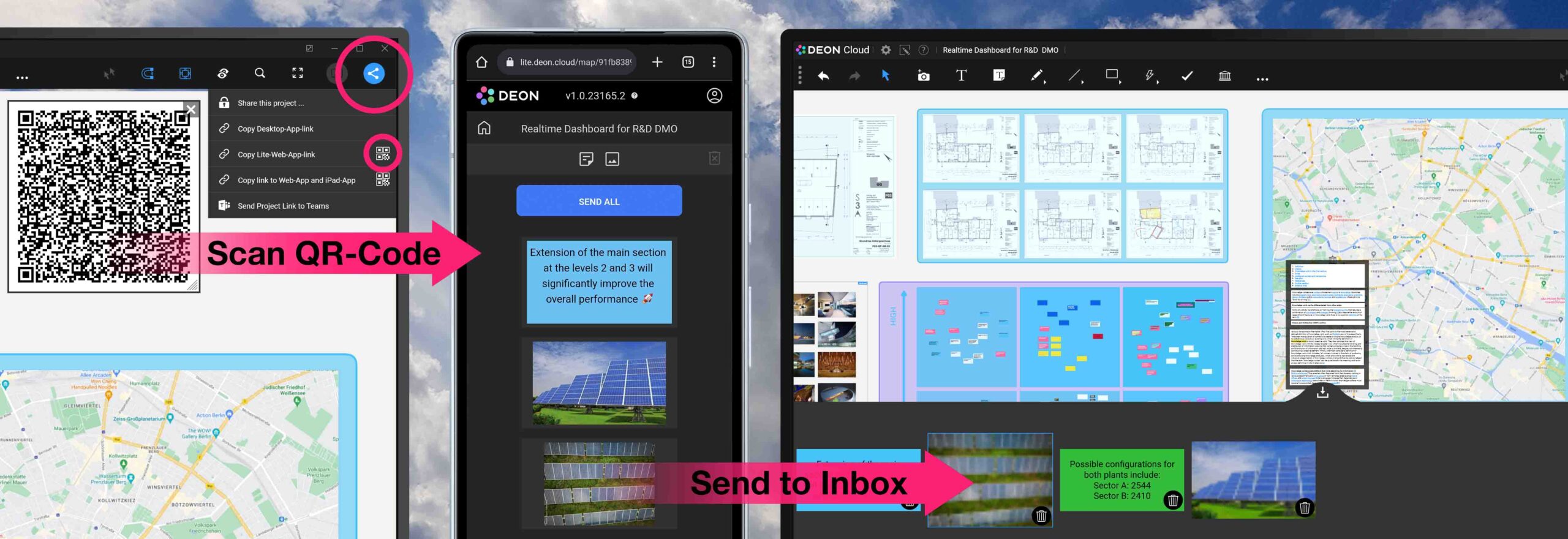
Try DEON for your iPad!
Available for DEON OnPrem and DEON CLOUD. Supports Apple Pencil with pressure sensitivity!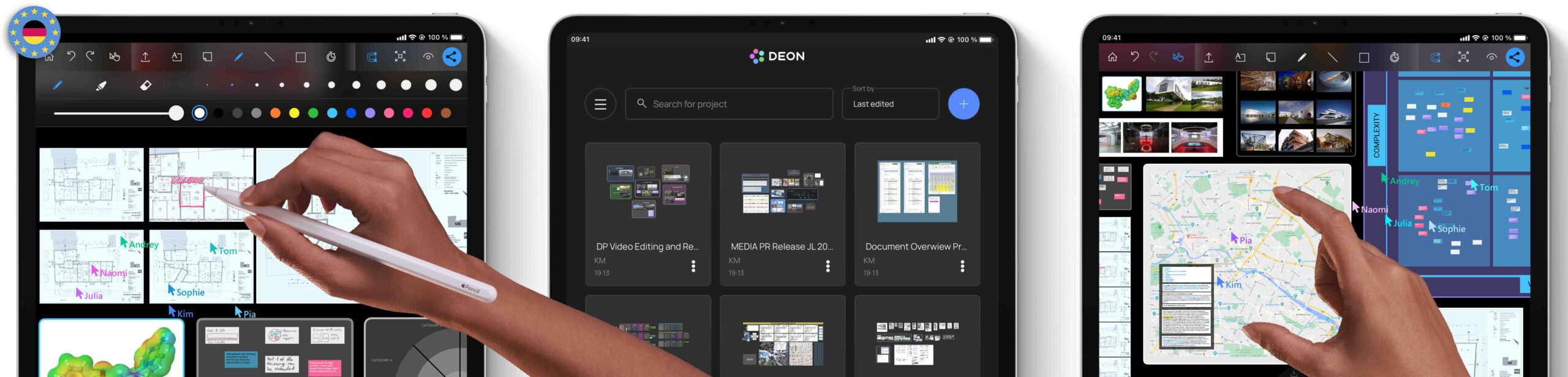
Use any website or web app in DEON!
Simply copy a URL from your browser or drag and drop it from the address bar into DEON.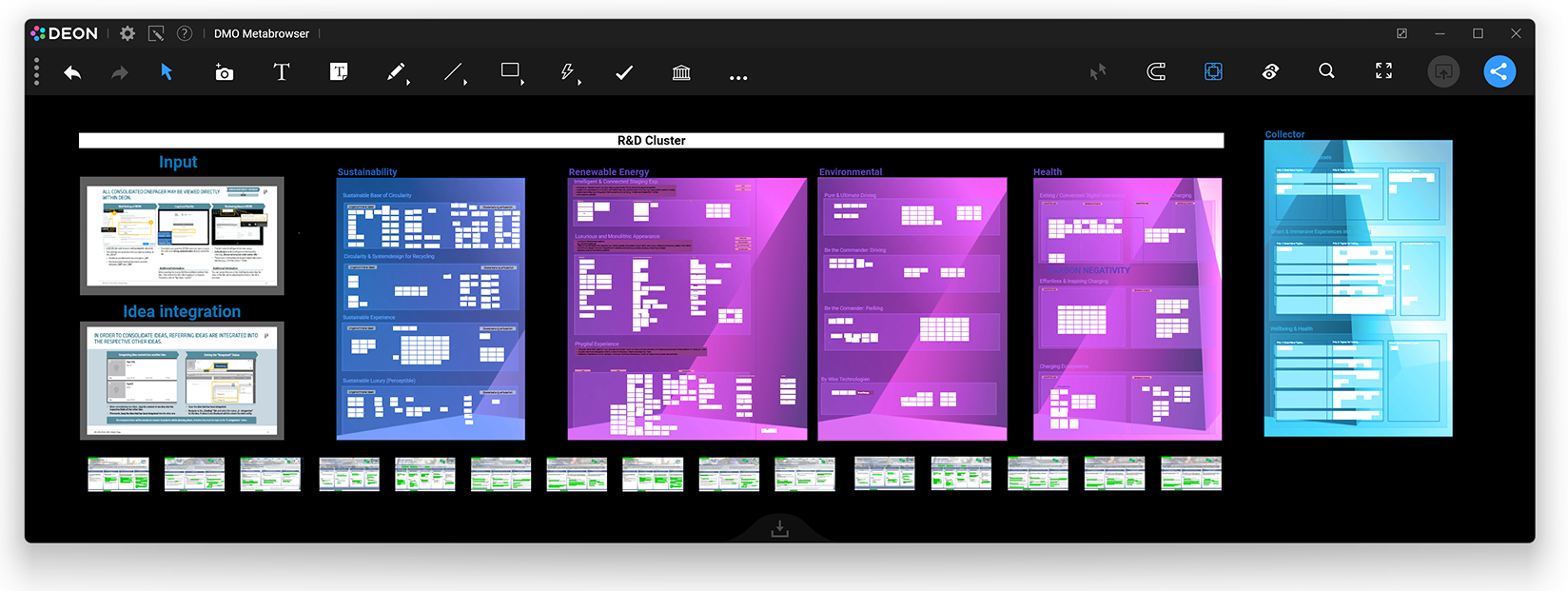
Save styles you use frequently!
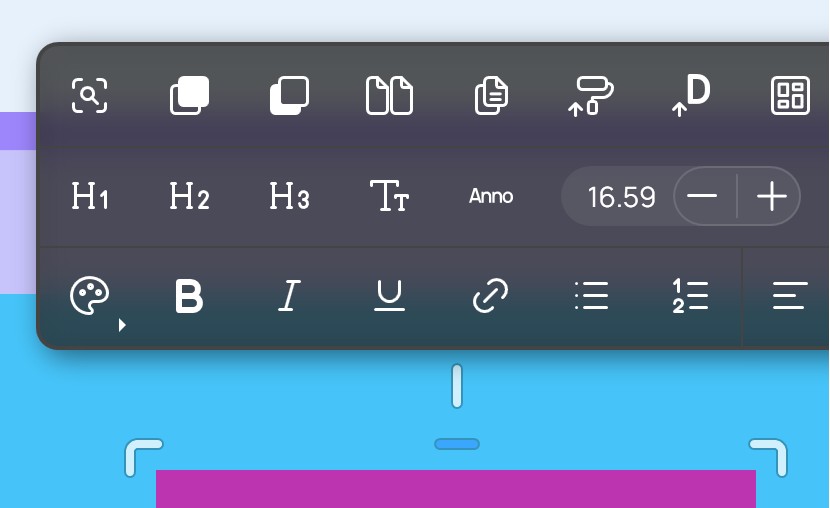
You can save your individual default styles for shapes, scribbles, stickies, text, and connectors/arrows: Simply select an element and press the "D" button "Save as default style" in the context menu. The next time you create an element, it will have the style you saved. The setting is stored locally on your PC.
Improvements to mouse and trackpad
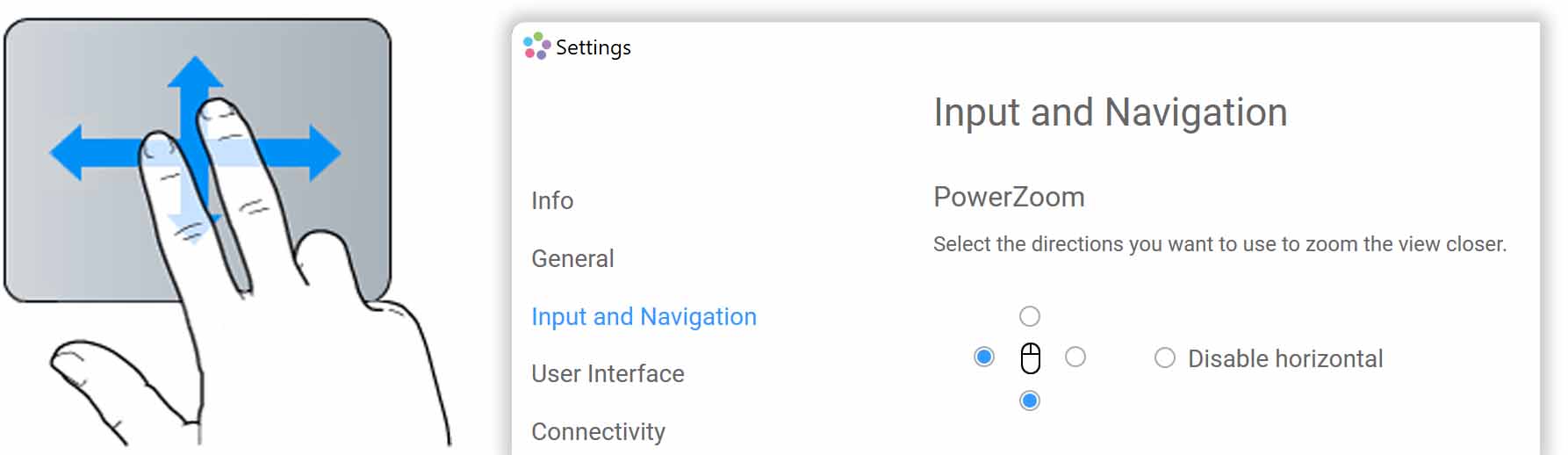
Use two fingers on your trackpad to navigate without a mouse! If you use a mouse, you can adjust your preferred mouse‑zoom behavior in the new settings options!